Single Page Website: A Beginner’s Guide To Design And Development
Single Page Website: A Beginner’s Guide To Design And Development
Have you ever given a single page website some thought?
With their simple layouts, easy navigation, and mobile-first philosophy, modern websites prioritize the user experience. Often, little is more!
The single-page website approach is all about emphasis and simplicity, whereas multi-page website architecture stresses structure and organization. It compiles all of the essential details about your project or company onto a single, scrollable page.
Although a multi-page website has nothing wrong with it, a well-designed one-page website may be pretty powerful. Moreover, single-page websites may offer a seamless and straightforward user experience for any type of website, including personal, company, or portfolio websites.
Instead of creating a multi-page website, freelancers, photographers, and additional professionals who do not have a range of information to present can develop a one-page website.
Keep exploring and reading to learn the best examples of single-page websites and how you can easily create them professionally in 2024.


What Exactly a Single Page Website is?
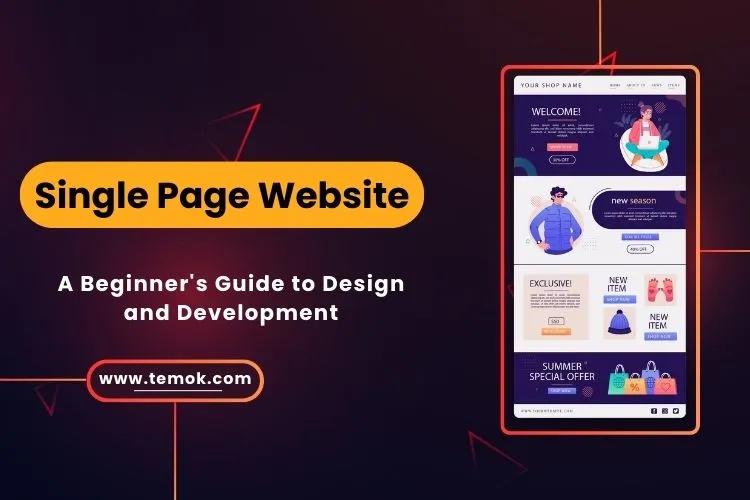
As the name implies, a single or one-page website has everything on a single page. It eliminates the necessity of distinct pages for contact, about, and product/service information. Other names for one-page webpages include “parallax” and “one-page scrolling.”
Additionally, when a reader clicks on a navigation menu, the browser goes to the designated area of the page rather than to another page. Small businesses that don’t necessarily provide a large variety of goods or services might benefit significantly from single-page websites.
Moreover, the purpose of this distinctive design arrangement was to present a tale to every visitor in an organic way from top to bottom.

What Makes a One-Page Website a Good Choice?
Condensing all of the crucial information into a single homepage is the goal of creating a one-page website. This opens up several possible advantages, such as the following:
- Simplify your information presentation to lessen the chance of overwhelming visitors.
- Eliminate the need to wait for several pages to load, minimize clicking, and steer clear of complicated navigation to provide a seamless and consistent user experience.
- Make your website mobile-responsive (single-page website layouts are naturally mobile-responsive due to their scrolling nature).
- To improve engagement rates and the possibility that visitors will read the entire piece, continuously provide the material.
- Create a website that loads more quickly (only because a complicated site architecture or several pages are not necessary).
- With only a single page website template to handle, content updates, changes, and upkeep are made more accessible.
- Cut back on design and development expenses, as this frequently results in time savings throughout production and upkeep.
- Make a website that effectively tells a story by leading users through a particular flow or narrative (e.g., product sales, personal journeys).
- Increase conversion rates by using a single call-to-action (CTA) and targeted message.
- Create original designs by including imaginative components such as dynamic animations, parallax scrolling, and eye-catching transitions.
- Simply allowing visitors to browse one page may reduce bounce rates
Single Page Vs. Multi-Page Website
Let's have a comparison between single and multi-page website:
Single-Page Website
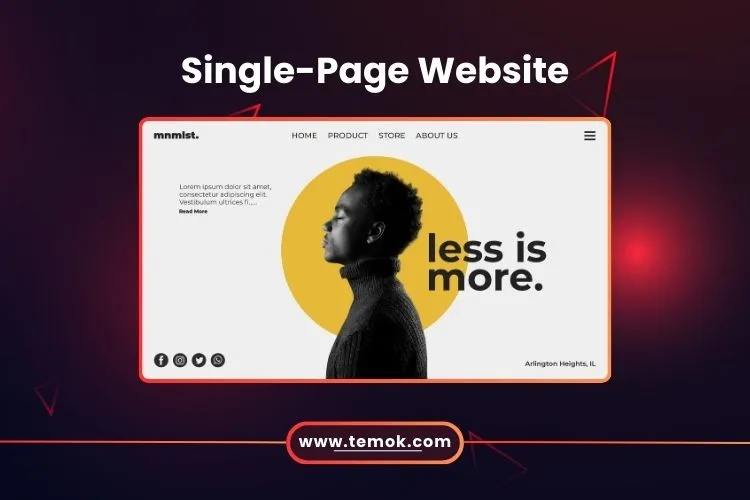
A website that has just one page and no other pages is called a single-page website. Single-page websites are sometimes referred to as parallax scrolling web pages. Because everything is neatly placed on a single page, users don’t need to travel elsewhere. One-page websites also keep users from becoming sidetracked by unnecessary material.
Moreover, the creation of a single page website requires less work and resources.
Additionally, you may create a one-page website with website builders by just dragging and dropping components. However, this site-building procedure is easy to understand and doesn’t require any knowledge of code.